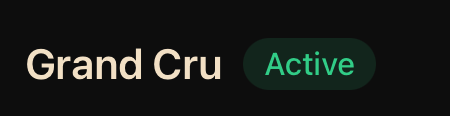
What am I doing wrong? my account only showing 500 wines on a grand cru level
bottles of 500 wines
i’d like to get on and give this a spin once i’m back from work travel this weekend.
One feedback - What you want long term is sustainable/recurring revenue.. the initial sign up is the hardest to aquire.. i’d just give every account a 3 month trial period to play at the highest tier. so we can stop with this individual account ‘bumping upgrade’… half the feedback on here is ‘account tiers’ not working or requesting/granting tier bumps.. 
Great idea! I’m on it!
That’s very helpful. Thanks for sharing!
Here a link for Wine Berserkers crowd, it’ll bypass the asking for an account bump. Accounts will be created with a complimentary Grand Cru subscription.
For those that have already created accounts, yours will be upgraded to Grand Cru over the course of the the day.
Mike-I think we found the bug, there was a one-time initialiser causing trouble.
Thank you for sticking with us! And thank you for helping us find these bugs.
@nicksumerfelt thank you! first impression is it’s pretty cool/fun looking.
Do you have a team of people doing this? or just you?
questions / feedback: will add as i try it!
in analytics it tells me 9 btls may be past peak. but how do i see the 9? i try to click it.. or the summary on the bottom with “9 past peak”. . how do i know which 9?
i have location/bin in CT which shoudl be imported.. but the rack/mapping isn’t showing for me…
what am i doing wrong?
I think we sorted it out. There was a bug that hid the failure completely, so the error handling never kicked in.
Thank you for working with us!
@J_Dornellas the Inventory and Cellar Map can be used independently. If you’re not a person that needs to know where every bottle is located, the Cellar Map can be skipped entirety.
We’re working on login issue. When implemented, the login page will check for an active authentication token on page load, then redirect to the app page if the token is found.
We do not have a search to add feature yet, but thats on the roadmap.
Thank you,
Nick
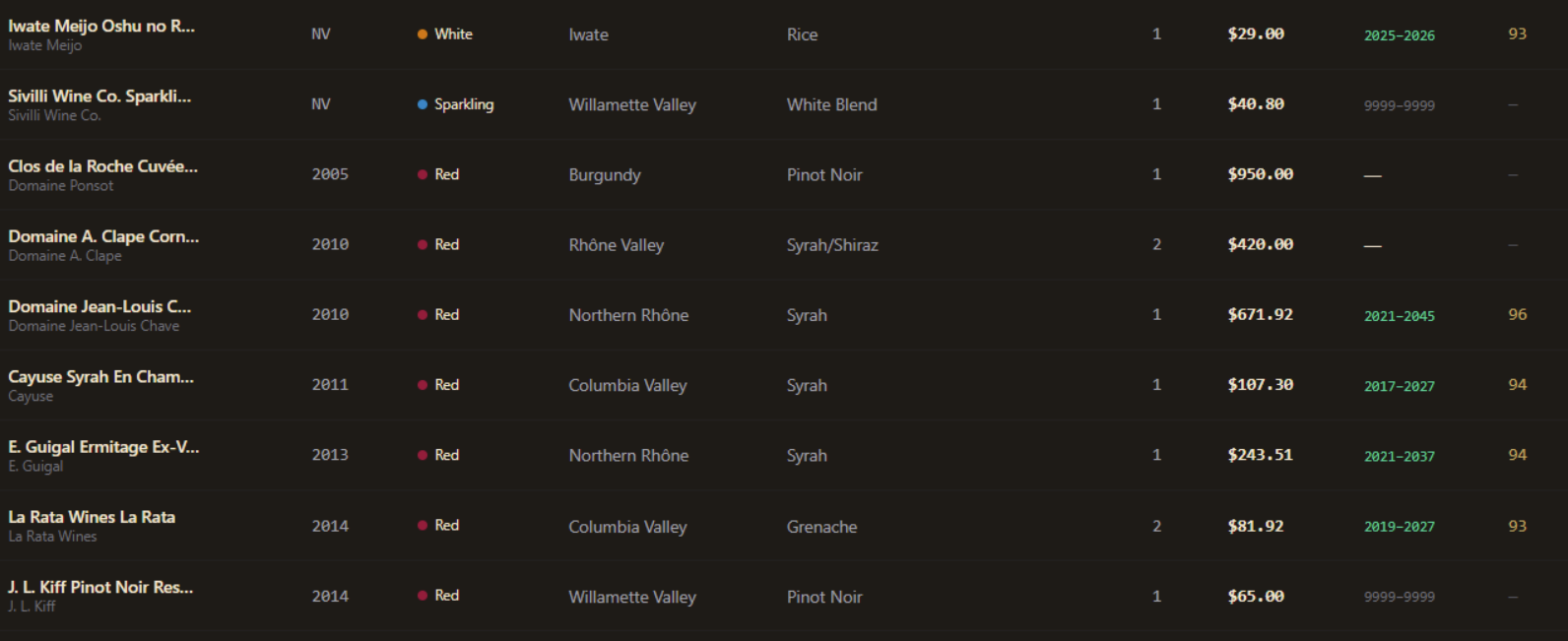
The list view you’re seeing looks like a very old version of the list view. It should look like this. Where did you take that screenshot from? It definitely needs to be fixed.
Yours looks the same as what I posted as far as I can tell. I just cropped it to only show the part I was referring to. Unless there’s some difference I am not seeing. Anyway, it’s what I get in the main “collection” view when I click the list view button at the top right.
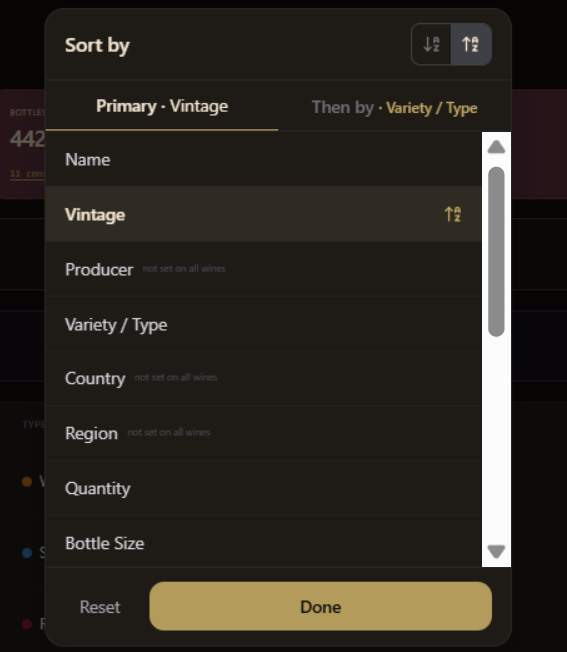
As for sorting, I agree that preferences vary, so it’s good to have a setting. I still think it’s worth having the default be something sensible, and IMHO adding vintage as a secondary sort key is more sensible (closer to what most people would expect) than not sorting by it.
Usually its just me but I have some much needed help as we’re working through this initial rush though.
We’ll be pushing some patches overnight to addreas Analytics and Cellar Mapping issues.
Thank you for checking the app out. Looking forwats to more feedback!
Thnaks,
Nick
I’m in same boat as AndrewK. We have basically same issues.
@J.Durham ‐We’re working on the Auto Cellar Mapping feature right now. We’re also working on 3D Cellar Racks of all shapes, sizes and dimensions. We’ll have patches to push out overnight.
Thank you for checking the app out!
Thanks Nick! Looks really good for the most part.
Can you let me know how to see the past peak wines question? 
Look forward to playing With it more
I don’t know if this has already been mentioned but I imported my cellar yesterday and I just noticed that my magnums imported as size 1ml. Anybody else run into this?
Yes, I had the same problem.
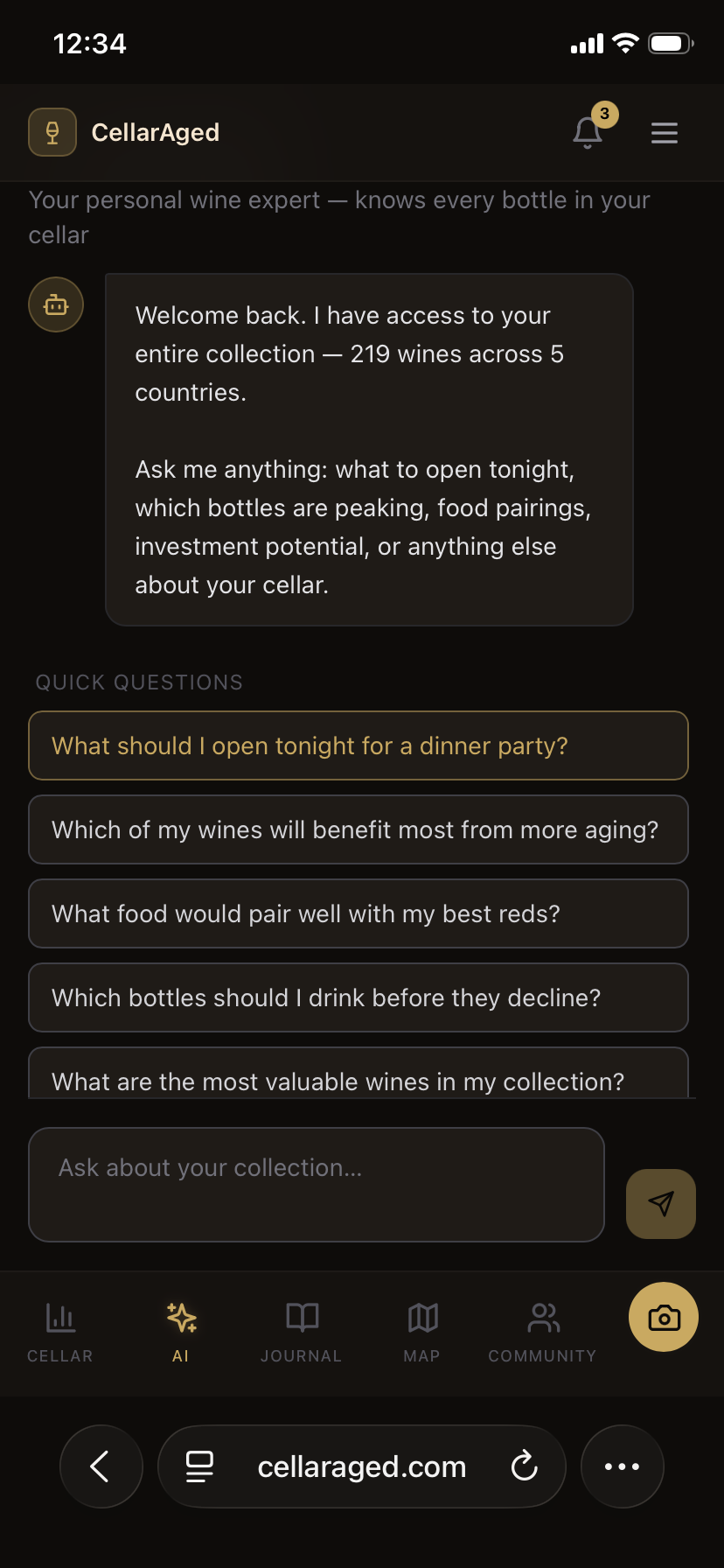
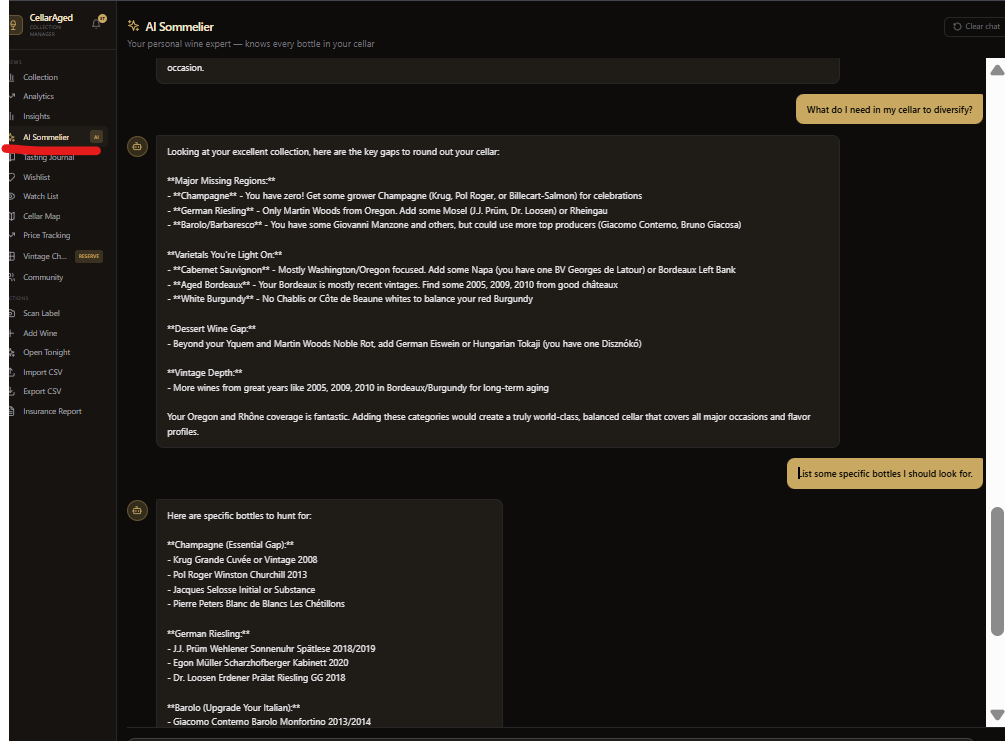
I’m still not seeing the AI history. Where is it located?
Another question. The filtering of my cellar does not feel intuitive. I click on a filter category…then what? I can’t find a way to show the filtered bottles. If I just go back to the main filter menu the selections are lost.