Looking for some ideas on how to label wine (if at all) stored in my cellar. All of it has CT labels so I can track electronically. As I reorganize I’m trying to get some ideas before it is too late. Some suggestions I’ve already heard:
Color dots to designate vintage year
Color dots to designate drink-by dates
hang tags with both vintage and drink by (Doesn’t work for horizontal storage, though)
Track all storage spaces electronically and keep updates (seems really hard to keep correct)
Reorganize cellar by vintage rather than by varietal, region, etc. (ugh!)
F*It - Keep hunting it is part of the game
I’m leaning towards #6 as this is how I’ve always done it but thought I’d see what the group thinks!
4 is how I do it, but it’s still worth organizing your collection physically based on drink by date. This enables you to, for example, put stuff you aren’t going to touch for 10 years in the least accessible places.
If I want to keep 100% on top of exits in CT, then I find writing a TN each time to be the most effective way. Entries generally easy for dozen purchases (bin locations written on the invoice and then typed into CT), but odd bottle purchases often sneak in without updating CT.
Only the most diligent will keep it 100% up to date, and I’m not that person. Hence a cellar audit once every 2-3 years serves a double purpose:
Get the cellar up to date
Bury bottles for long term cellaring, and surface bottles that are more ready to drink.
#4
Been using CT since 2013. Every bottle has been recorded when put away and when consumed. Only had 1 bottle MIA during that time.
It’s easy to record put away as the bottles are already in CT usually as a pending delivery. When they show up, they get marked as received and storage slot is entered.
When a bottle is pulled for consumption, I just write it down on a pending consumption list. Consumption is then recorded later at my leisure. I try and take a photo of the bottle during drinking so that I can recall the consumption date easily. If it doesn’t get drunk, it just gets reslotted.
I find it helpful if you relocate the bottle to a “to be drunk” or “on deck” location so you properly record it as pulled prior to consuming it. That being said, forgetting to record drinking a bottle is always the hardest part of managing a cellar, at least for me.
That’s a good idea, but it’s another entry in CT. So I just write in on my running list. It’s old school and they get crossed off when consumption is entered. This way I don’t forget as the list is always staring at me. Agree, keeping up with consumption is the hardest part and where most people fail. I boiled it down to the simplest process I could so I never forget to enter consumption. The entry part is quite easy in CT. It’s the forgetting part that trips up most.
Yeah if you are insane enough, you can use a combination of electronic and just insanity to largely remember where every bottle is. As far as drinking windows, that’s a bit fuzzy logic as well. I don’t find cellar tracker windows to be useful on any level. They stink.
So very true. Luckily I’ve not had too many end up MIA and usually they are lower end bottles opened at the end of an already long dinner out with friends when we needed just one more bottle. I don’t always make a TN on those, and since we’re usually at a restaurant, I don’t have the empty to remind me to log it out. At the house, I am the only one who takes empties to the recycle bin which guarantees I log out bottles we drink at home, even if I don’t partake or just don’t take a TN.
To OP, #4 for sure.
In terms of the organization, I love the options CT allows. I have three cellar “locations,” one for bottles at the house and one each for my two offsite locations. Within these locations I have multiple “bins,” each of which has a unique code, and is generally 12 bottles, so very easy to figure out where something is at. It takes some work, but this is a passion of ours and so well worth it, and ultimately it’s fairly easy even for a cellar of our size (>4000 bottles) to keep pretty darn accurate.
I have been keeping a spreadsheet for 20 years. I then put a circular label on the top with vintage, winery, and type of wine. As they get drunk I peel off the label and put it on paper and then update the spreadsheet once the paper is full of labels. A bit labor intensive but it works mots of the time.
Never use CellarTracker or anything else.
Cellar is down to about 700-800 btls.
But it’s mostly comprised of about five producers and then a smattering of another 15-20 so not too complicated.
I do #4. I have a “rack” designation on CT which means a bottle is out of storage and soon to be drunk (in a fridge or a shelf for the short term), It won’t be removed from CT until it’s opened.
I do use the pending delivery CT feature which I find very helpful. And, yes, I have forgotten to enter a bottle in as consumed on occasion. Because I’m actively on CT and in the process of moving a lot of bottles as my storage space increases, I tend to find unentered consumed bottles. But eventually, yes, I’ll have to be more diligent about marking bottles as consumed. I don’t see this as a big hurdle. I don’t put TNs into CT so marking as consumed is a very simple matter.
Sectioned by type of wine, e.g., cabernet, bordeaux, pinot, burg, champagne, etc and hang tags with vintage therein. As periodic reorganizations occur to remove empty slots, bottles for drinking sooner get relocated to the “drink any time” area.
Usually all my bottles are labelled
I have them in my list in the PC … indicated with the app. location …
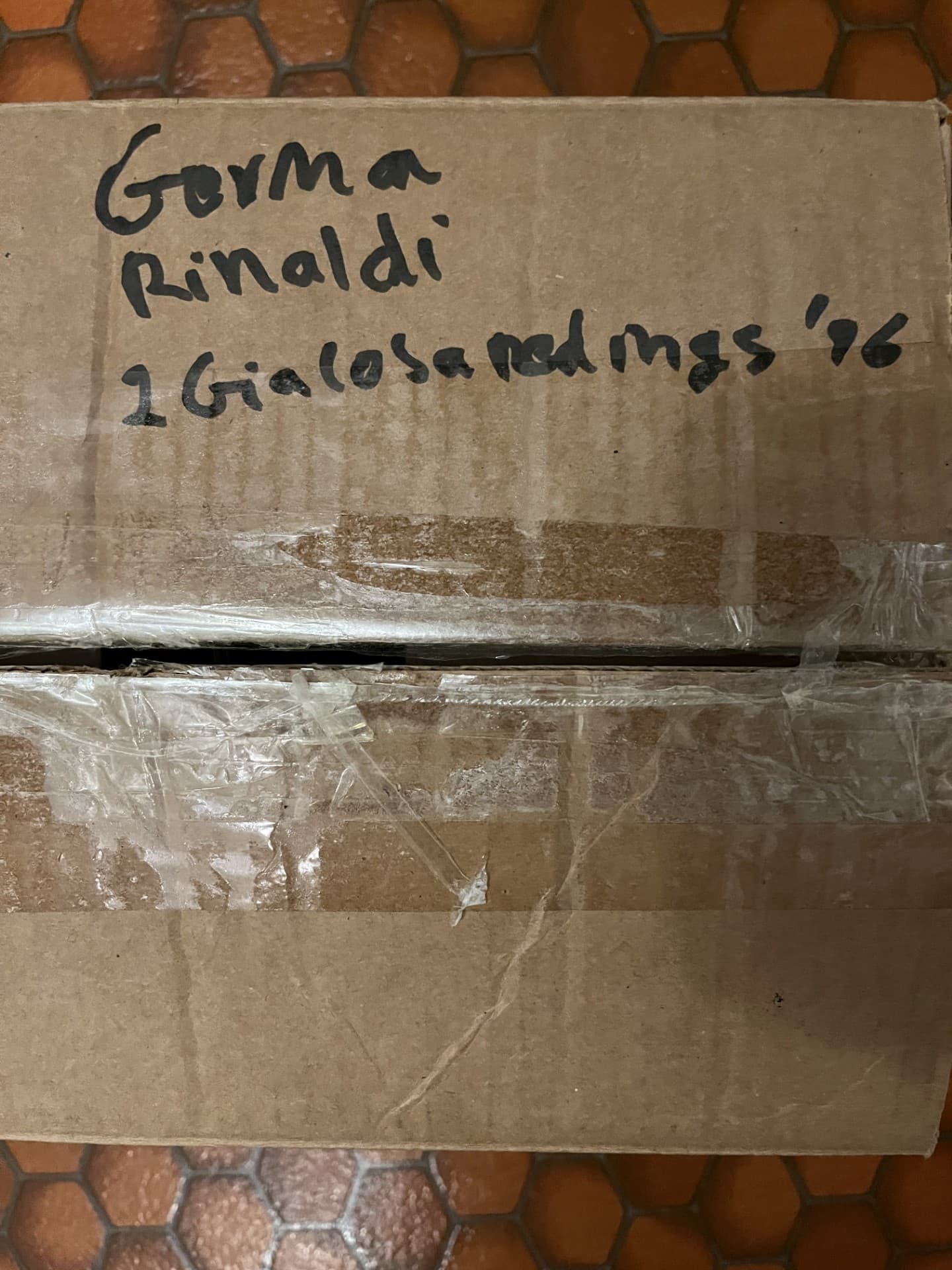
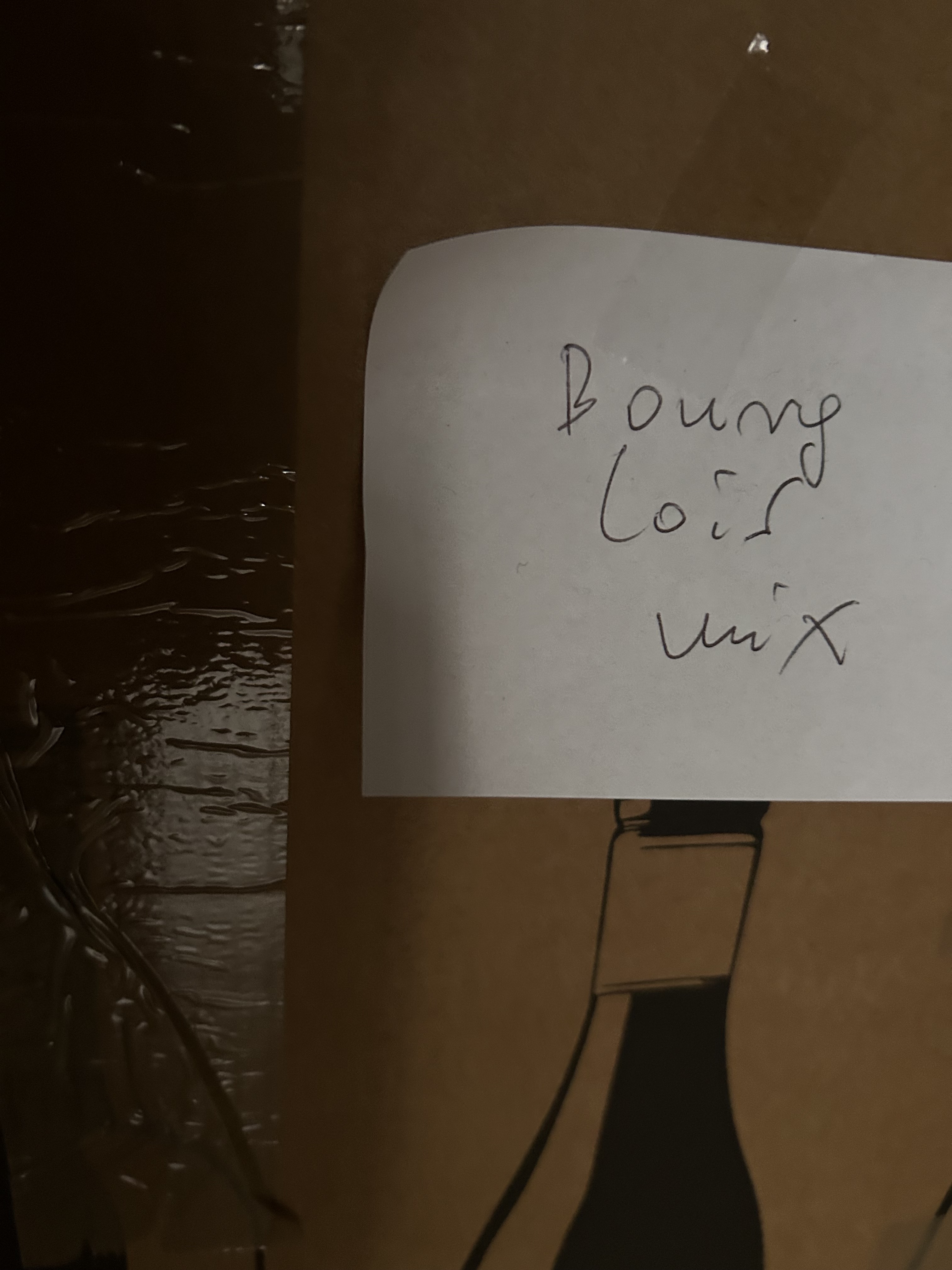
Some mixed cases have a designation outside …
I do #4. I’m probably 97% accurate, but there are times I forget to input or (more often) remove a wine.
Once every few years I look at my list of “location” on CT, go look at all the bins which have too many bottles (eg 3 or 4 bottles listed in a two bottle bin) and figure out which ones I need to delete from inventory.
Once in the early COVID shutdown I actually did a full inventory. I found a dozen or two bottles that weren’t in inventory. A couple had gone over the hill due to the neglect but most were fine and fun rediscoveries.